

 Smartwatch
 Smart Ring
 Smart Band
 Batteries
 Ups
Ups Power Bank
 TWS
TWS Bluetooth Speaker
 Headphones
 Neckband
 Microphones
 Tripods
 Studio Light
 Tracking Device
 Portable Fan
 Power Adapters
 Portable Speaker
 Rechargeable Fan
 Smart Lights
 Smart Clock
 WiFi Routers
 Kitchen Gadgets
 Air Cooler
 Acrylic Night Lamps
 Display Gadgets
 Neon Lights
 Ambient Lighting
 Camping Fan
 Camping Gear
 Camping Light
 Survival Gadgets
 RC Boat
 RC Car
 RC Planes & Drones
Which Wi-Fi Router is Best in Bangladesh? (2025 Edition)

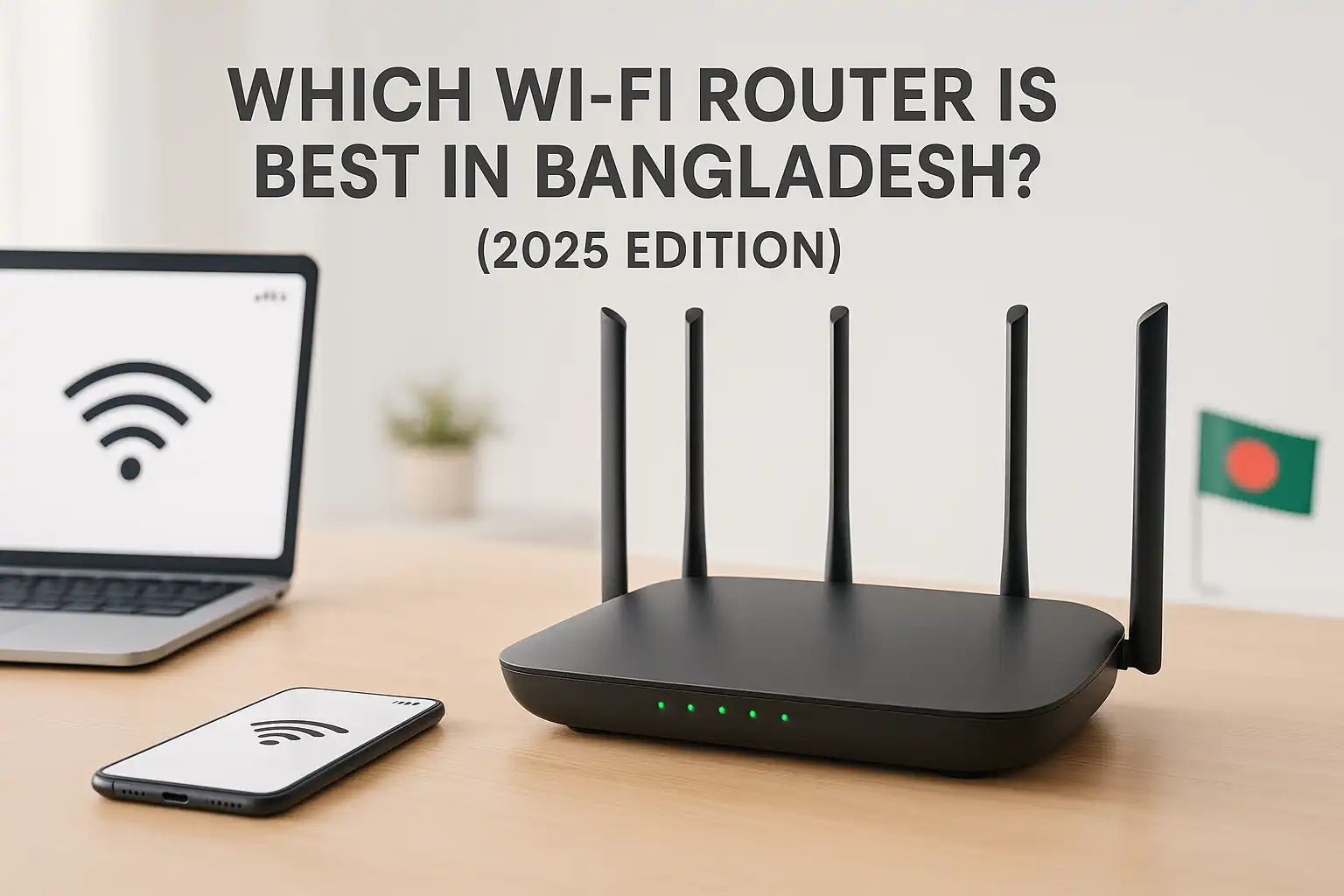
Includes full-feature breakdown, top recommendations, and an FAQ section at the end.
With the rapid growth of internet usage, online streaming, smart devices, and remote work in Bangladesh, having a reliable Wi-Fi router is no longer a luxury — it’s a necessity. But with so many models ranging from Tk1,000 to Tk100,000+, choosing the best one can be overwhelming.
This comprehensive 2025 guide helps you select the best Wi-Fi router in Bangladesh based on your budget, usage (home or office), and performance requirements. Whether you’re a casual browser, Netflix binger, online gamer, or managing a smart home, we’ve got you covered — from budget routers to enterprise-grade mesh networks.
🧠 Key Features to Consider Before Buying
1️⃣ Frequency Bands
- Single-Band (2.4GHz): Offers longer range but slower speeds. Ideal for basic browsing.
- Dual-Band (2.4GHz + 5GHz): Provides faster speed and better stability.
- Tri-Band: Adds an extra 5GHz band for better handling of multiple devices.
- Quad-Band: Future-proofing option with 6GHz or additional 5GHz bands (seen in Wi-Fi 6E/7 routers).
🔹 Recommendation: Dual-band routers are suitable for most users. Opt for tri- or quad-band routers if you’re in a large household or use multiple high-speed devices simultaneously.
2️⃣ Wi-Fi Standards
| Standard | Tech Name | Max Speed |
| Wi-Fi 4 | 802.11n | 300–450 Mbps |
| Wi-Fi 5 | 802.11ac | 1–3 Gbps |
| Wi-Fi 6 | 802.11ax | Up to 9.6 Gbps |
| Wi-Fi 6E | Wi-Fi 6 + 6GHz | Up to 10 Gbps |
| Wi-Fi 7 | 802.11be | Up to 30 Gbps |
🔹 Recommendation: Wi-Fi 6 is the sweet spot in 2025 — fast, efficient, and widely available. Wi-Fi 6E/7 are cutting-edge, best for gamers or large networks.
3️⃣ Speed and Coverage
Speed classifications like AC1200, AX1500, and AX11000 represent theoretical combined speeds. Real-world performance is usually 50–70% of that.
- Budget Routers: Up to 300 Mbps
- Mid-Range: 1.2–1.5 Gbps
- High-End: 4–10 Gbps
- Premium: 10+ Gbps with Mesh
🔹 Coverage: Depends on antenna strength and router power. 2.4GHz covers more distance; 5GHz offers higher speed but shorter range.
4️⃣ Antenna Configuration
- Budget: 1–3 fixed antennas
- Mid-range: 3–4 high-gain external antennas
- High-end: 4–8 antennas (external + internal), supports MU-MIMO and Beamforming
🔹 Tip: More antennas mean better range, signal stability, and multi-device support.
5️⃣ Mesh Networking
Mesh systems use multiple devices to blanket large spaces with seamless Wi-Fi.
- Best Brands: TP-Link Deco, Netgear Orbi, ASUS ZenWiFi
- Ideal For: Large homes, multi-floor buildings, or office spaces
- Features: Seamless handoff, single SSID, expandable coverage
6️⃣ Security Features
- Encryption: WPA2 is standard, WPA3 is recommended.
- Firewall: Most routers offer SPI/NAT-based firewalls.
- Extras: Parental controls, guest networks, VPN support
- Premium Security: ASUS AiProtection (TrendMicro), Netgear Armor (Bitdefender)
7️⃣ Ports & Connectivity
| Category | WAN/LAN Ports | USB Ports |
| Budget | 100 Mbps (Fast Ethernet) | None |
| Mid-range | Gigabit (1 Gbps) | 1x USB 2.0/3.0 |
| High-End | Multi-Gig (2.5G/10G) | 2x USB 3.0 |
🔹 Note: USB ports allow you to share files/printers over Wi-Fi.
8️⃣ Build Quality
- Budget Routers: Plastic cases, basic ventilation
- Premium Routers: Metal heat sinks, cooling fans, stable firmware
🔹 Tip: Always buy from reliable sources like Star Tech, Gadgeterians, or Ryans to ensure genuine warranty and service.
Best Wi-Fi Routers by Budget Segment
💲 Budget Segment (Tk1,000 – Tk5,000)
Perfect for small homes, basic browsing, and light streaming.
| Model | Bands | Speed | Antennas | Ports | Price (Tk) | Highlights |
| D-Link R03 N300 | 2.4GHz | 300 Mbps | 2 Ext | 4 LAN, 1 WAN (100 Mbps) | 1,050 | Simple and reliable |
| TP-Link WR820N | 2.4GHz | 300 Mbps | 2 Fixed | 4 LAN, 1 WAN | 1,160 | IPv6 support |
| Tenda F3 | 2.4GHz | 300 Mbps | 3 Ext | 3 LAN, 1 WAN | 1,250 | AP/repeater support |
| Mercusys MW306R | 2.4GHz | 300 Mbps | 2 Internal | 3 LAN, 1 WAN | 1,009 | Parental control |
| Xiaomi Mi 4C | 2.4GHz | 300 Mbps | 4 Ext | 2 LAN, 1 WAN | 1,350 | Best coverage, 3×3 MIMO |
| TP-Link WR850N | 2.4GHz | 300 Mbps | 2 Ext | 4 LAN, 1 WAN | 1,390 | Great for light users |
✅ Top Pick: Xiaomi Mi Router 4C — excellent value and signal range at Tk1,350.
💳 Mid-Range Segment (Tk5,000 – Tk15,000)
Balanced routers for homes with smart devices, streaming, and light gaming.
| Model | Bands | Speed | Antennas | Ports | Price (Tk) | Key Features |
| TP-Link AX15 | Dual (Wi-Fi 6) | AX1500 | 4 Ext | 4 LAN, 1 WAN, USB3 | 3,950 | WPA3, Beamforming, OFDMA |
| TP-Link AX10 | Dual (Wi-Fi 6) | AX1500 | 4 Ext | 4 LAN, 1 WAN, USB2 | 8,350 | Triple-core CPU |
| Mercusys AC12G | Dual (Wi-Fi 5) | AC1300 | 4 Fixed | 3 LAN, 1 WAN | 2,450 | Gigabit ports, solid coverage |
| Xiaomi Mi 4A Gigabit | Dual (Wi-Fi 5) | AC1200 | 4 Ext | 2 LAN, 1 WAN | 2,500 | 128-device support |
| TP-Link C50 | Dual (Wi-Fi 5) | AC1200 | 4 Ext | 4 LAN, 1 WAN | 2,280 | Budget dual-band router |
| Huawei WS5200 | Dual (Wi-Fi 5) | AC1300 | 4 Ext | 4 LAN, 1 WAN | 7,000+ | Sleek, reliable, easy setup |
✅ Top Pick: TP-Link Archer AX15 — best value Wi-Fi 6 router with modern features.
💰 High-End Segment (Tk15,000 – Tk50,000)
Great for large homes, gaming setups, and high-speed networks.
| Model | Bands | Speed | Antennas | Ports | Price (Tk) | Highlight Features |
| ASUS RT-AX88U | Dual (Wi-Fi 6) | AX6000 | 4 Ext | 4 LAN, 1 WAN, 2 USB3 | 30,500 | AiProtection Pro, powerful firmware |
| Netgear RAX200 | Tri (Wi-Fi 6) | AX11000 | 8 Ext | 4 LAN, 2.5G WAN, 2 USB3 | 49,500 | Armor security, parental tools |
| ASUS GT-AXE11000 | Tri (Wi-Fi 6E) | AXE11000 | 8 Ext | 4 LAN, 2.5G WAN | 48,500 | Gaming-grade router |
| TP-Link AX11000 | Tri (Wi-Fi 6) | AX11000 | 8 Ext | 8 LAN, 1 WAN, 2 USB3 | 25,000 | Game accelerator, MU-MIMO |
| ASUS RT-AX86U | Dual (Wi-Fi 6) | AX5700 | 3 Ext | 4 LAN, 2.5G WAN/LAN, 2 USB3 | 20,000 | Adaptive QoS, low latency |
✅ Top Pick: ASUS RT-AX88U — balances security, speed, and build quality.
🏆 Premium Segment (Tk50,000 – Tk100,000)
For enterprise-level coverage, multi-gig speeds, and future-proofing.
| Model | Type | Speed | Bands | Coverage | Price (Tk) | Highlights |
| Netgear Orbi RBK752 | Mesh (AX4200) | 6 Gbps | Tri | ~5,000 sq.ft. | 50,500 | Armor + Circle parental tools |
| ASUS GT-AXE16000 | Quad-Band (6E) | AXE16000 | 4 | Extreme | 70,000+ | AiMesh, 2.5G WAN, Wi-Fi 6E |
| TP-Link Deco BE65/95 | Mesh (Wi-Fi 7) | 11 Gbps+ | Tri | Large Home/Office | 41,990+ | Wi-Fi 7 ready, premium mesh performance |
✅ Top Pick: Netgear Orbi RBK752 — ultimate whole-home coverage with parental and security features
📅 Final Recommendations (Quick Picks)
| User Type | Recommendation |
| Budget (<Tk2k) | Xiaomi Mi Router 4C |
| Mid-range (~Tk4k) | TP-Link AX15 (Wi-Fi 6, USB 3.0) |
| High-end (~Tk30k) | ASUS RT-AX88U (Performance + Security) |
| Premium (Tk50k+) | Netgear Orbi Mesh or ASUS GT-AXE16000 |
Frequently Asked Questions (FAQ)
1. Which router is best for home use in Bangladesh?
Answer: For most homes, the TP-Link AX15 (AX1500, Wi-Fi 6) is a top pick — fast, affordable, and reliable.
2. Do I need a dual-band router?
Answer: Yes, if you stream video, play games, or use multiple devices. Dual-band offers faster, more stable connections than single-band.
3. Is Wi-Fi 6 worth it in 2025?
Answer: Absolutely. It’s widely supported and future-proof for at least 3–5 years. Look for models with WPA3 and Gigabit ports.
4. What’s the difference between a router and mesh system?
Answer: A router is a single unit. Mesh systems include multiple units that work together to cover large areas seamlessly — perfect for big homes or offices.
5. Can I use a 10-year-old router with a new broadband connection?
Answer: Technically yes, but you’ll miss out on speed, coverage, and security. Consider upgrading to at least a dual-band AC router.
6. Where should I buy a router in Bangladesh?
Answer: Trusted tech stores like StarTech, PC House, Gadgeterians offer genuine products with warranty.
7. Do Bangladeshi ISPs provide routers?
Answer: Yes, but they are often basic models. For better performance, it’s recommended to buy your own router.
